
University of Ilorin, UNILORIN new portal access instructions for returning students

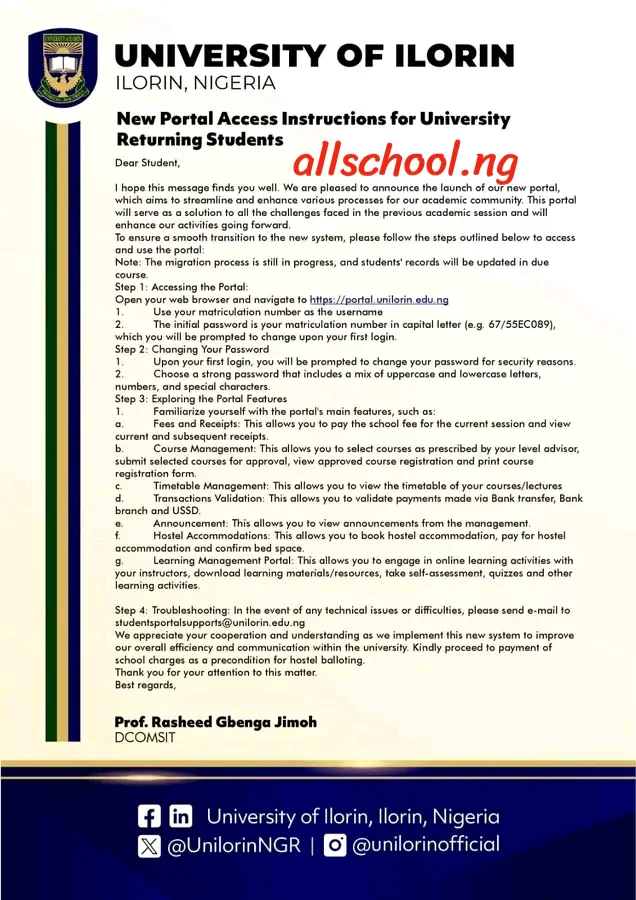
We are pleased to announce the launch of our new portal, which aims to streamline and enhance various processes for our academic community. This portal will serve as a solution to all the challenges faced in the previous academic session and will enhance our activities going forward.
To ensure a smooth transition to the new system, please follow the steps outlined below to access and use the portal:
Note: The migration process is still in progress, and students’ records will be updated in due course.
- Step 1: Accessing the Portal:
- Open your web browser and navigate to https://portal.unilorin.edu.ng
- Use your matriculation number as the username
- The initial password is your matriculation number in capital letter (e.g. 67/55EC089), which you will be prompted to change upon your first login.
- Step 2: Changing Your Password
- Upon your first login, you will be prompted to change your password for security reasons.
- Choose a strong password that includes a mix of uppercase and lowercase letters, numbers, and special characters.
- Step 3: Exploring the Portal Features
- Familiarize yourself with the portal’s main features, such as:
- Fees and Receipts: This allows you to pay the school fee for the current session and view current and subsequent receipts.
- Course Management: This allows you to select courses as prescribed by your level advisor, submit selected courses for approval, view approved course registration and print course registration form.
- Timetable Management. This allows you to view the timetable of your courses/lectures
- Transactions Validation: This allows you to validate payments made via Bank transfer, Bank d branch and USSD
- Announcement: This allows you to view announcements from the management.
- Hostel Accommodations: This allows you to book hostel accommodation, pay for hostel accommodation and confirm bed space.
- Learning Management Portal: This allows you to engage in online learning activities with your instructors, download learning materials/resources, take self-assessment, quizzes and other learning activities.
- Step 4: Troubleshooting: In the event of any technical issues or difficulties, please send e-mail to [email protected]
We appreciate your cooperation and understanding as we implement this new system to improve our overall efficiency and communication within the university. Kindly proceed to payment of school charges as a precondition for hostel balloting.
Thank you for your attention to this matter.
Best regards.
Recommended Articles:
- Check Out Trending Schools Gist
- List Of Schools Whose Post UTME Forms are on Sale
- Top 5 Must-Have for Freshers in Any Nigerian Higher Institution
- 15 Types of Roommates You Will Find in School
- 5 Reasons Most Students Are Not Offered Admission Despite High Post-utme Score
- Jamb Alternatives: 5 Best Ways To Gain Admission Into A University Without JAMB
- Ten Things Every Jambite Must Know Before Entering The University
- 10 Secrets to Making Straight A’s in Varsity of Poly
- Mistakes Students should never Make in Tertiary Institutions
ALLSCHOOL TEAM
Stories You Shouldn't Have Missed:
- Brilliant Nigerian Lady Graduates with First-Class Law Degree, Wins 7 Prestigious Awards
- 38-year-old Man returns to Primary School after Wife Left Him for being Uneducated
- Remarkable 53-year-old Working Mum Graduates As Best Student, Honoured as Valedictorian
- Lady Jubiliates as She Sees Her Name Written on the Building of Her Former School
- OAU Students Boycott Lectures, Protest Transport Crisis on Campus
- NDLEA Proposes Mandatory Drug Tests for University Admission
- Brilliant Nigerian Man Earns Master’s Degree, Emerges as Top Graduate at UK University
Join Our 500,000+ Community:
Thank you so much for reading. We will appreciate it if you share this with your loved ones.