
LATEST UPDATE: The Federal College of Forestry (FCF JOS) ND Admission List for the 2025/2026 Session is not yet out.
As soon as the list comes out, we will update this page.
If you want us to update you on WhatsApp, then CLICK HERE and follow our WhatsApp Update Channel.
If you have any questions, please feel free to ask us using the comment box below.
While you wait, check out these juicy articles:
You should also Check Out These Super-Helpful Articles:
- Check Out Trending Schools Gist
- List Of Schools Whose Post UTME Forms are on Sale
- Top 5 Must-Have for Freshers in Any Nigerian Higher Institution
- 15 Types of Roommates You Will Find in School
- 5 Reasons Most Students Are Not Offered Admission Despite High Post-utme Score
- Jamb Alternatives: 5 Best Ways To Gain Admission Into A University Without JAMB
- Ten Things Every Jambite Must Know Before Entering The University
- 10 Secrets to Making Straight A’s in Varsity of Poly
- Mistakes Students should never Make in Tertiary Institutions
The information below is for the last academic session. We will update it when this year’s own comes out.
fcf admission list 2020: Federal College Of Forestry Jos (FCF Jos) ND Admission List for 2020/2021 session is Out.
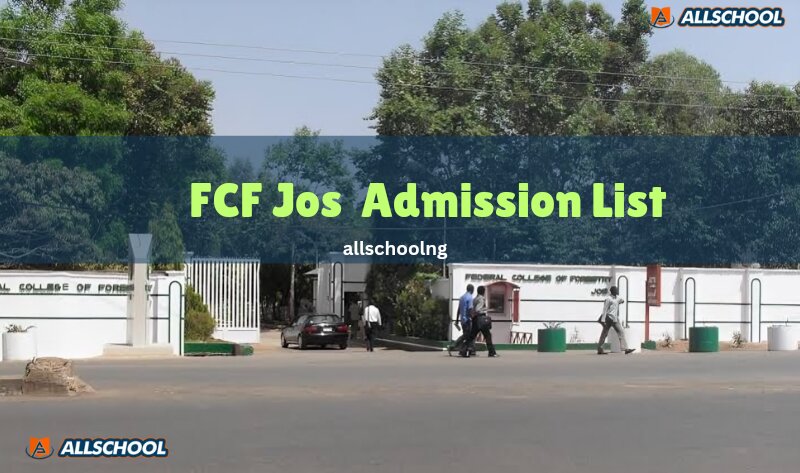
This is to inform candidates who applied for admission to the Federal College Of Forestry, Jos that the College Admission list for ND programme for the 2020/2021 academic session has been released.
Procedure for FCFJOS Online Screening for Admitted students.
To be eligible for screening, Candidates must have uploaded their O’level results on the JAMB portal.
- Visit https://portal.fcfjos.edu.ng/admission/jambites/screening
- Type your JAMB Registration No in the required textbox
- The system logs you into your temporary personalized dashboard where the status of your admission is displayed.
- Select your number of sittings then fill your O level results in the screening form.
- Upload your O level results (WAEC or NECO or NABTEB or GCE) in JPEG or PDF format. The file size should not be more than 150 KILOBYTES.
- Click on the Submit Button.
- After 2 days, Visit https://portal.fcfjos.edu.ng/check/admission to confirm the status of your screening and further instructions.
Procedure for Checking Screening Status
- Go to FCFJOS admission portal https://portal.fcfjos.edu.ng/check/admission
- Type your JAMB Registration No (Receipt No): in the required field.
- Finally, click on the CHECK button to access your admission Screening status.
- Follow the next instruction on the portal for Acceptance fee and School fee payment.
ALLSCHOOL TEAM
Stories You Shouldn't Have Missed:
- 2025 WAEC: Emmanuella Chidiebube’s Exceptional Result Goes Viral Amid Widespread Failures
- UK University Expels Nigerian Students Over Unpaid Fees, Demands They Leave the Country
- ASUU Warns of January Strike as FG Fails to Address Long-Standing Issues
- House Urges Suspension of WAEC Computer Based Examination
- Kogi: Four Children Killed After Truck Carrying Pupils Plunges Into River
- Babcock University Expels Student for Drug Dealing and Occult Practices
- Two Undergraduates Among Six Convicted by EFCC for Internet Fraud
Join Our 500,000+ Community:
Thank you so much for reading. We will appreciate it if you share this with your loved ones.