
University of Jos (UNIJOS) Portal Sign-Up Procedure for Returning Students 2018/2019 Academic Session.
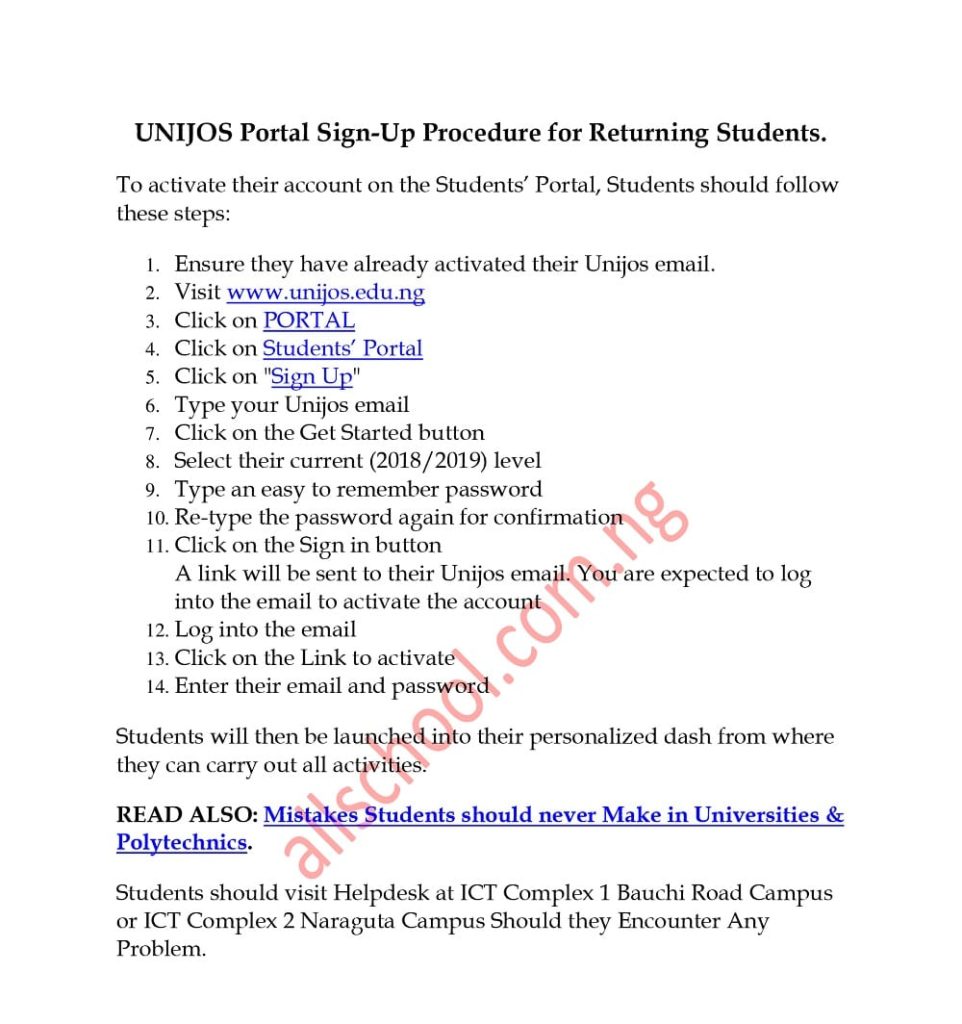
Following the commencement of University of Jos (UNIJOS) Registration exercise for Returning Undergraduate Students for the 2018/2019 Academic Session, all Returning Students are advised to activate their account on the new Students’ Portal.
This should be done after Students have activated their Unijos email. Students who are yet to activate their UNIJOS students’ email are advised to do so immediately.
The email is their identity to log into the Students’ Portal and all Students related activities including payment of school charges, course registration, accommodation allocation and payment, request for Identity Card, results checking among others, will only be possible when their account is activated.
How to Sign-up for UNIJOS Portal.
To activate their account on the Students’ Portal, Students should follow these steps:
- Ensure they have already activated their Unijos email.
- Visit unijos.edu.ng
- Click on PORTAL
- Click on Students’ Portal
- Click on “Sign Up“
- Type your Unijos email
- Click on the Get Started button
- Select their current (2018/2019) level
- Type an easy to remember password
- Re-type the password again for confirmation
- Click on the Sign in button
A link will be sent to their Unijos email. You are expected to log into the email to activate the account - Log into the email
- Click on the Link to activate
- Enter their email and password
Students will then be launched into their personalized dash from where they can carry out all activities.
READ ALSO: Mistakes Students should never Make in Universities & Polytechnics.
Students should visit Helpdesk at ICT Complex 1 Bauchi Road Campus or ICT Complex 2 Naraguta Campus Should they Encounter Any Problem.
Stories You Shouldn't Have Missed:
- Nigerian Legal Scholar Earns Master’s in Law from Stanford, Celebrates Unique Academic Journey
- Nigeria’s Universities Can Only Admit 700,000 out of 2 Million Annual Applicants – NUC
- University of Port Harcourt Grieves Loss of Student in Off-Campus Shooting
- Female Students Screams, Overjoyed as Osita Iheme ‘Pawpaw’ Graces Campus (Video)
- NAPS Mourns Auchi Polytechnic Student Killed in Road Accident; Demands Justice
- Mother’s Savage Response In Her 4-Year-Old Son’s School Form Goes Viral
- Nigerian First-Class Graduate bags PhD from US Varsity with 10 Outstanding Awards
Join Our 500,000+ Community:
Thank you so much for reading. We will appreciate it if you share this with your loved ones.